Doran어리고싶다#KR1
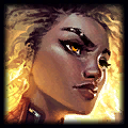
1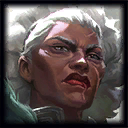
Ambessa264 games · 54% win rate
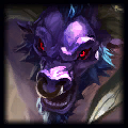
2
Jayce222 games · 59% win rate
3
Olaf104 games · 50% win rate
4
Vayne95 games · 56% win rate
5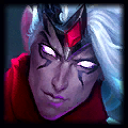
Varus94 games · 54% win rate
League of Legends in-house games
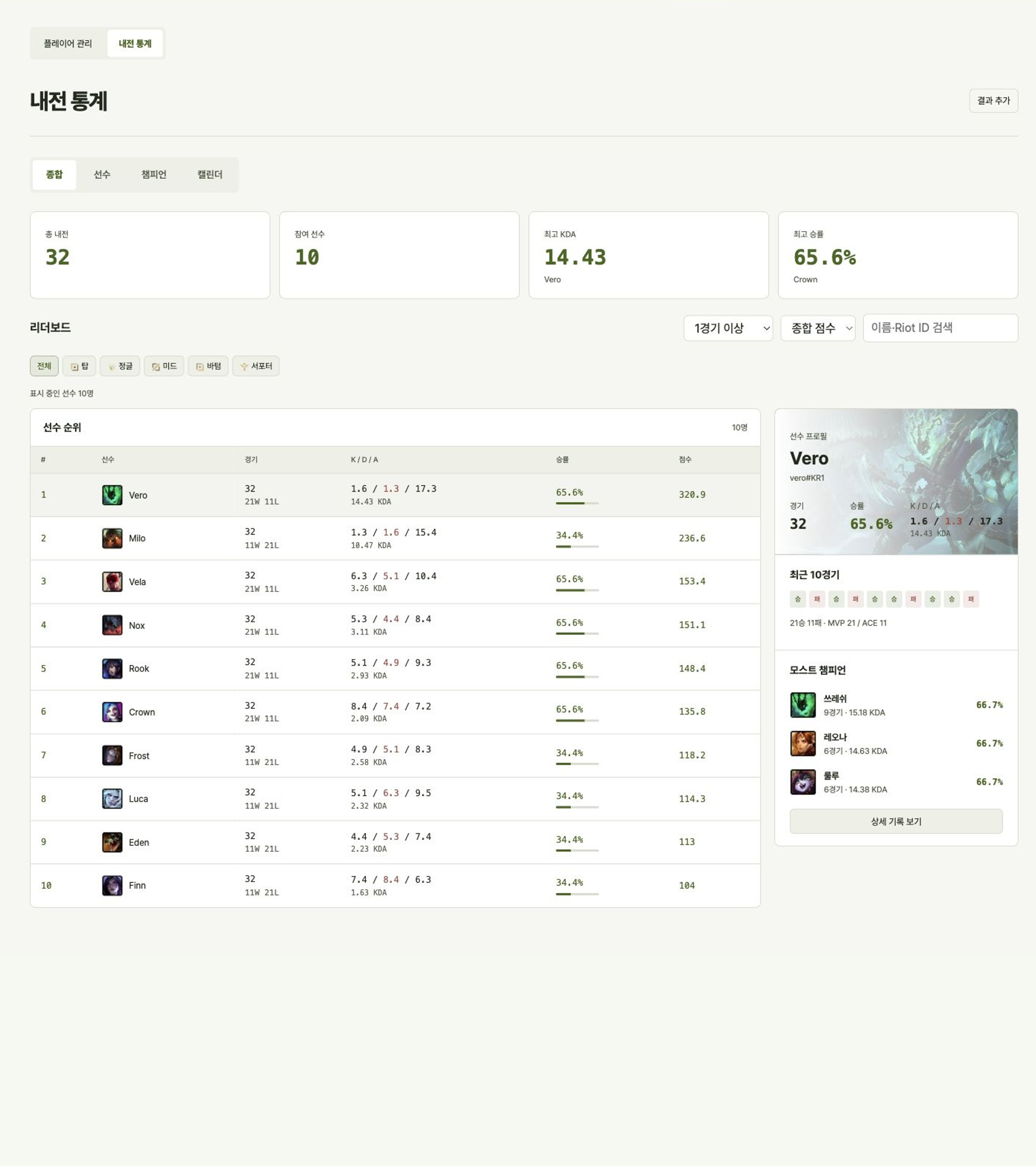
Gather players and draft teams using their stats. Add result screenshots, then explore player and champion statistics and your match calendar.




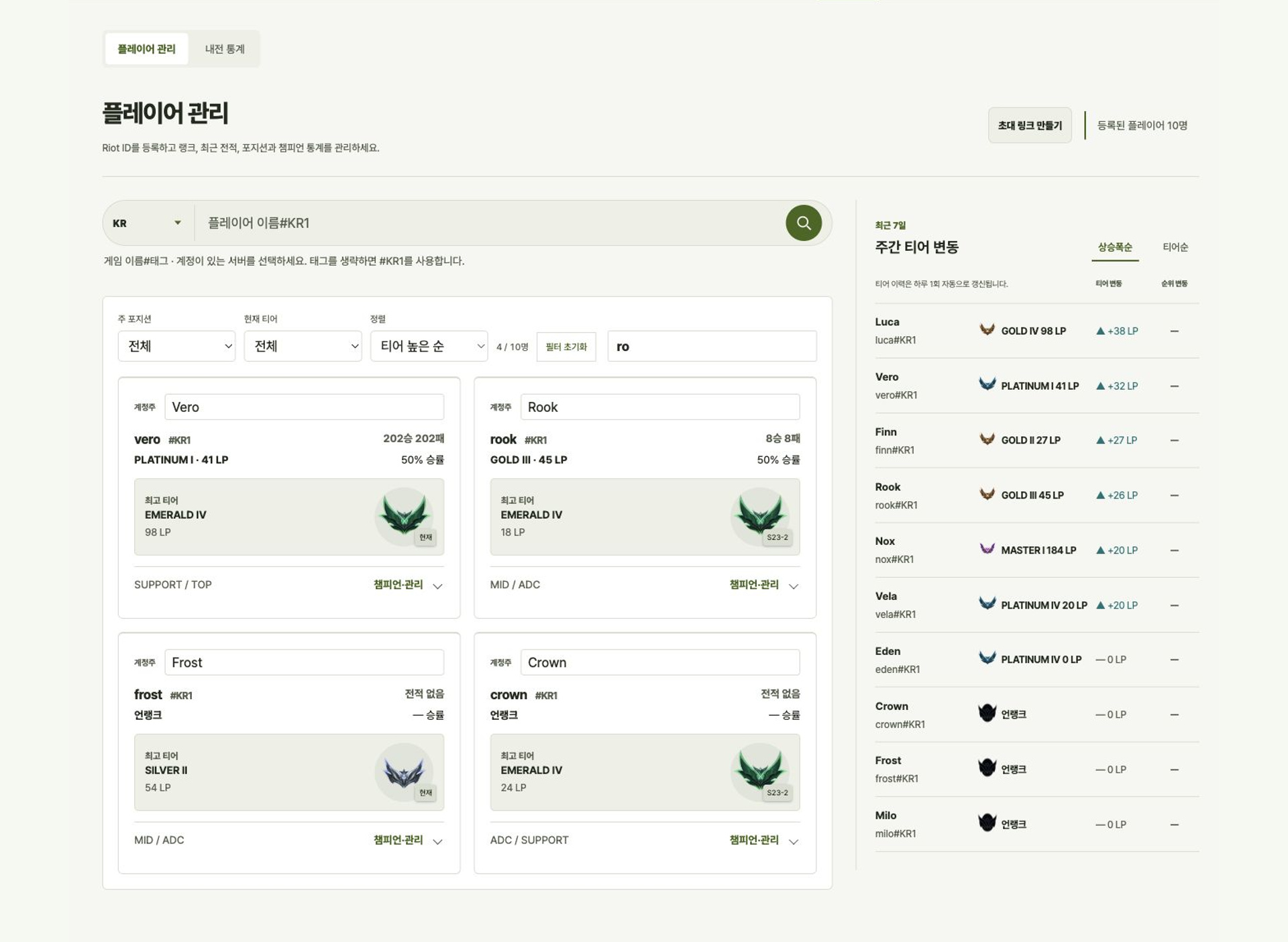
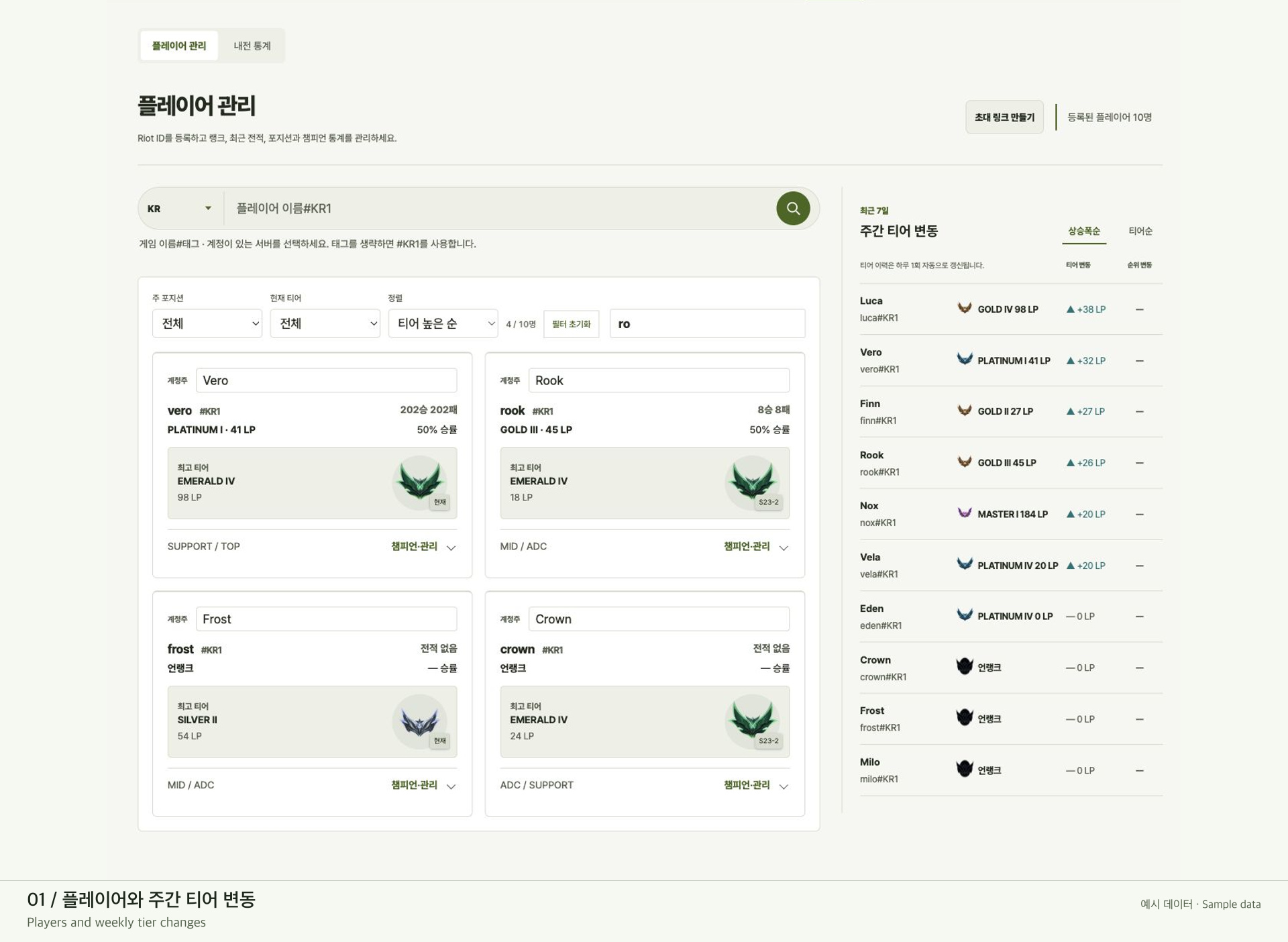
Check current and peak ranks, main roles, and rank changes over the last seven days.
 Yone124 games50%
 Aurora114 games60%
 Sylas64 games59%
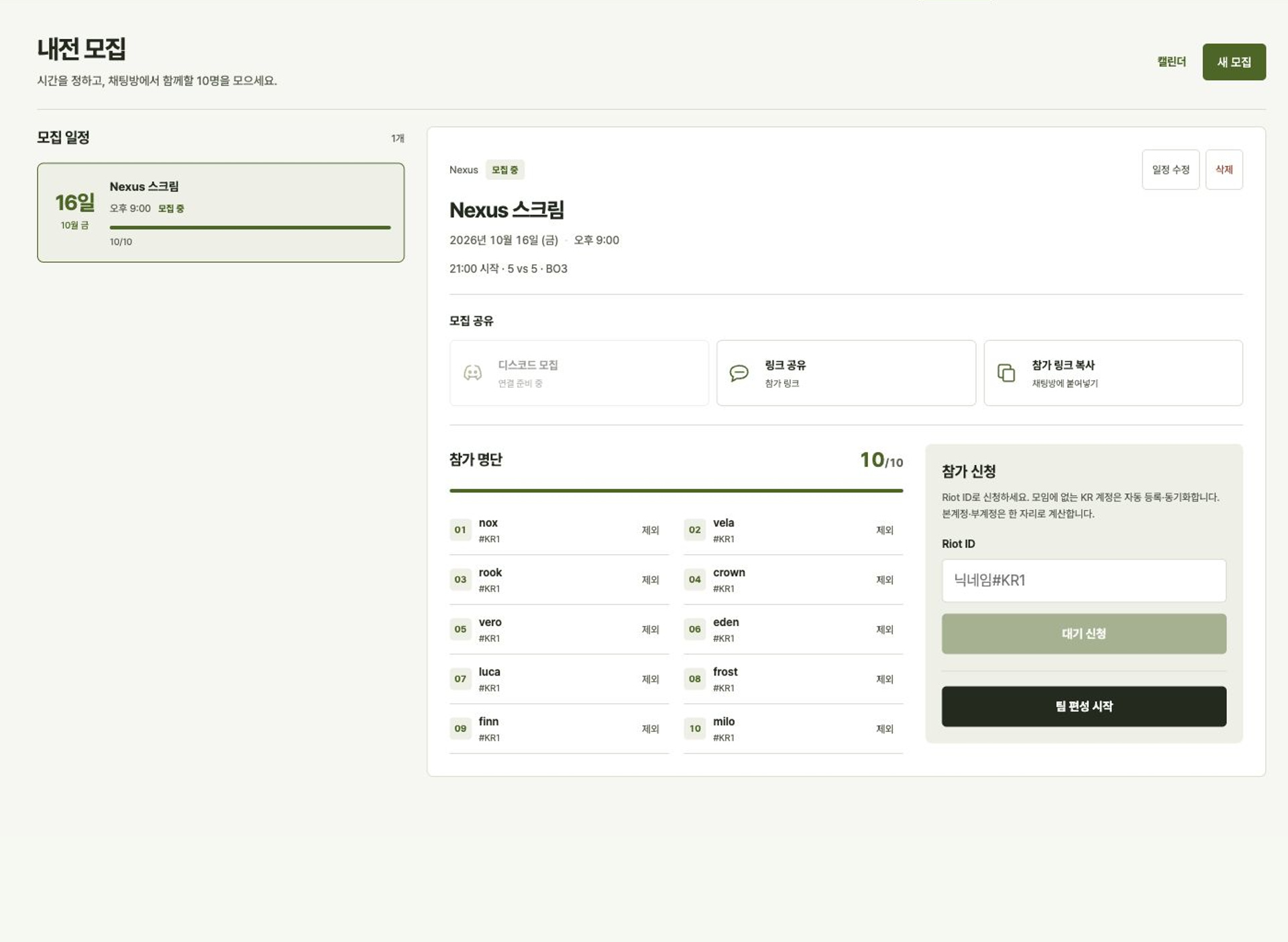
Share a signup link for the first ten players. Track confirmed players, the waitlist, and cancellations.
Extra players join the waitlist.
Pick players and captains, then use a standard or role-pair draft, manual assignment, or automatic teams.
DoranOnerFakerGumayusiKeriaKiinCanyonChovyRulerDuro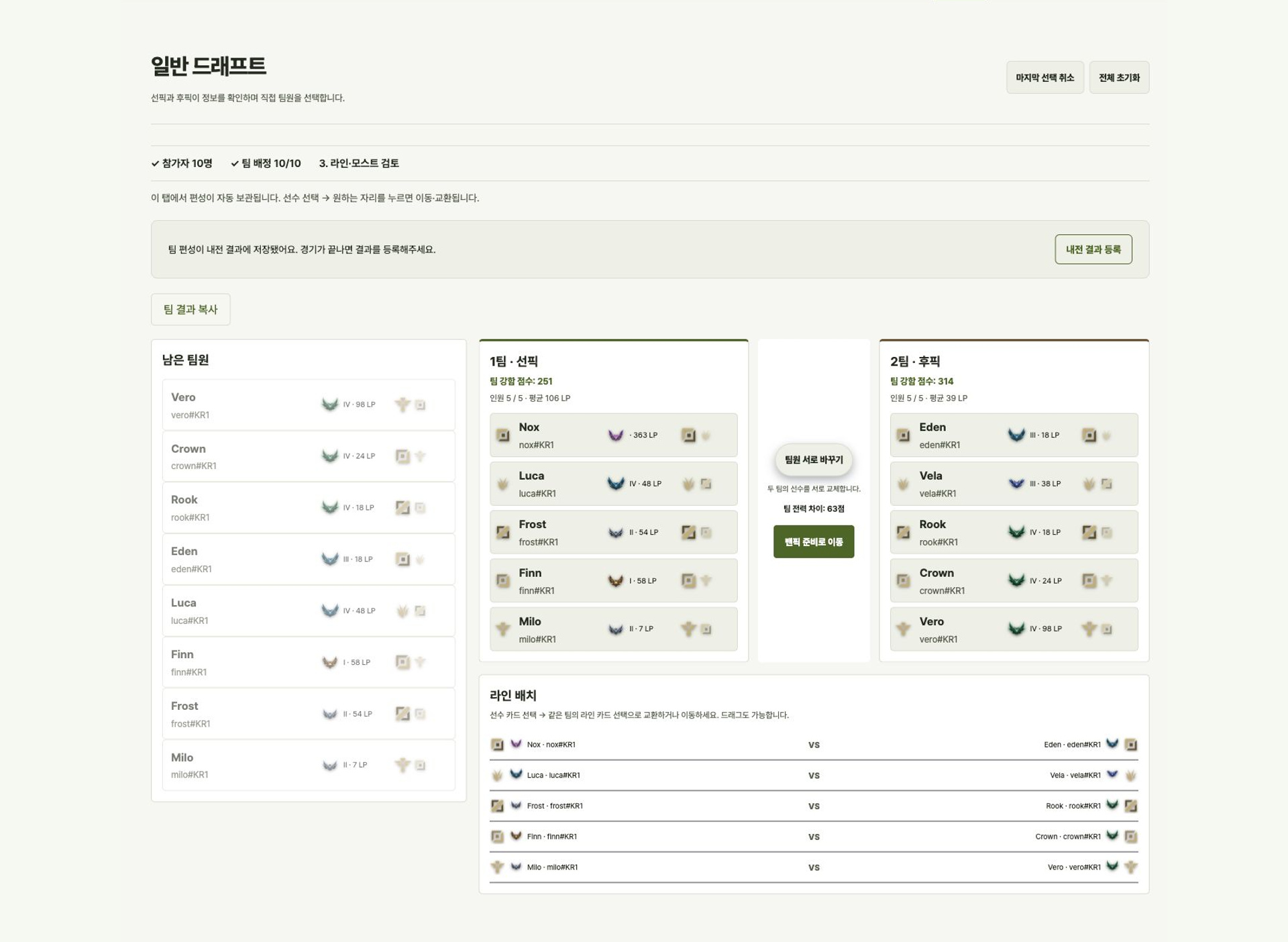
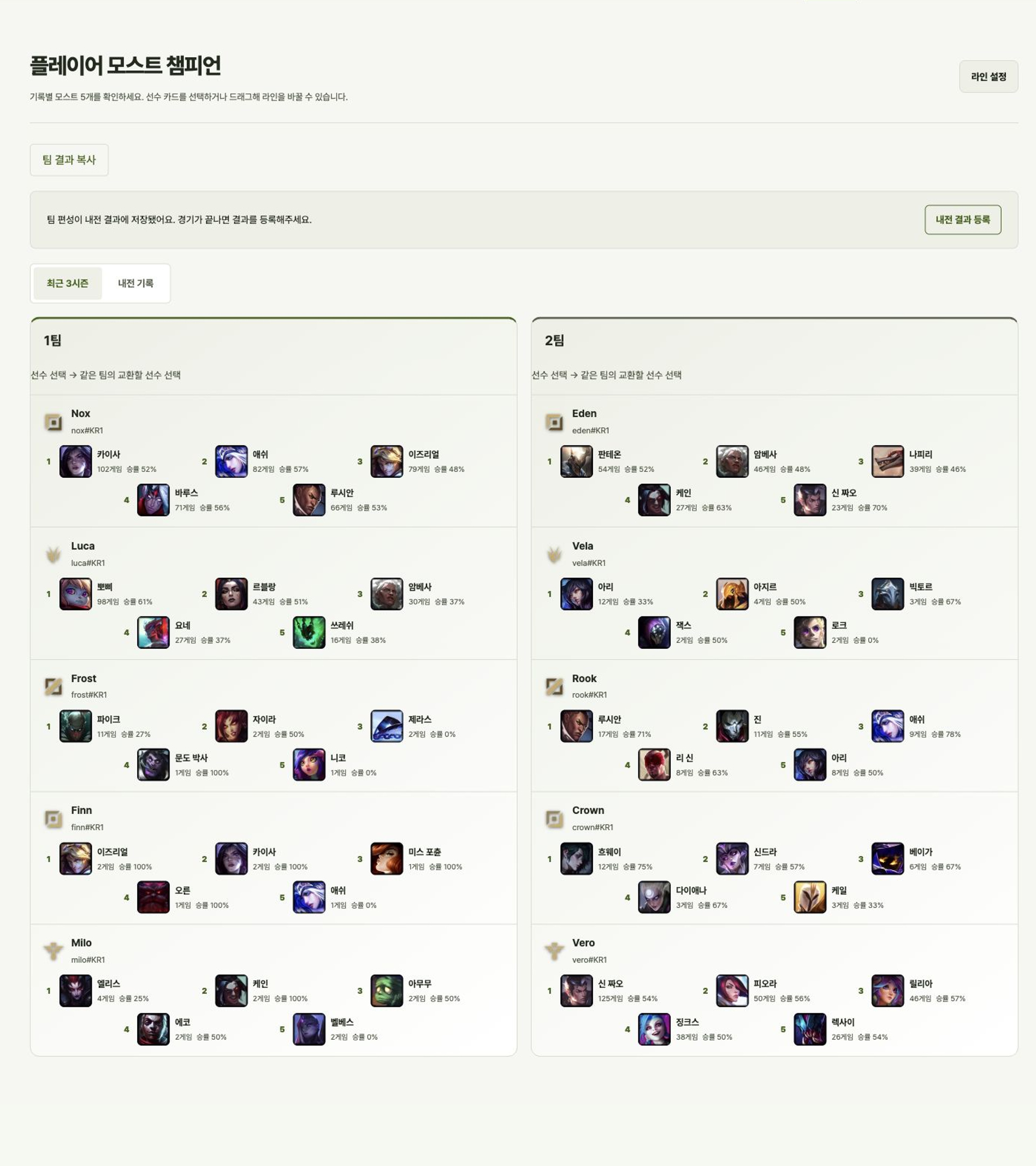
Review each team's most-played champions and adjust lane assignments before the game.
Yone124 games50%Aurora114 games60%Sylas64 games59%Ambessa56 games57% Ryze51 games61%
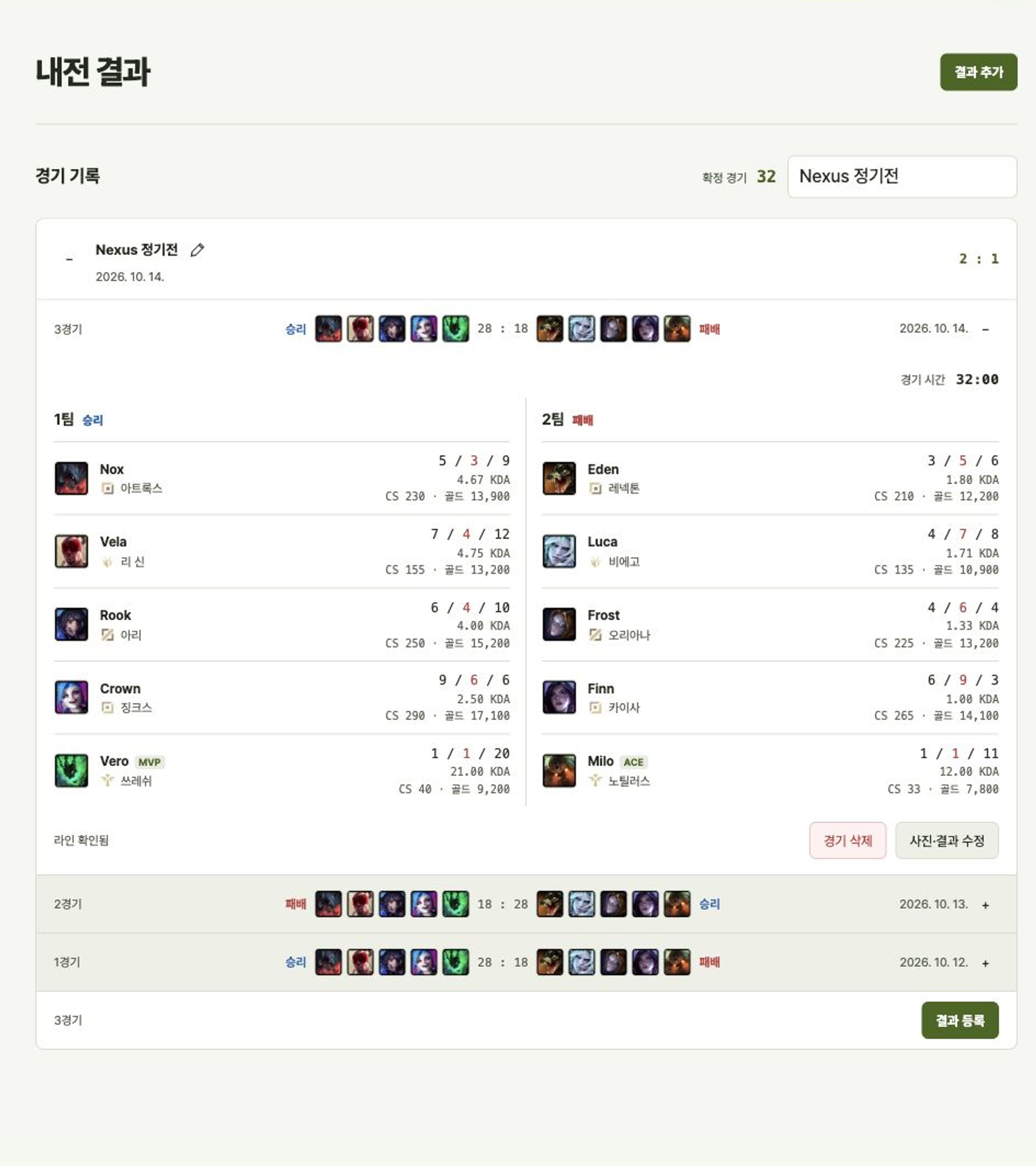
Add up to five result screenshots at once. Resolve any account or lane questions to keep wins and K/D/A.
Explore win rates, KDA, and lane matchups. Find games by date and review monthly activity.
Players · champions · lane matchups
Sign in with Google and create a group, or use an invite link from a friend.
Enter each name and tag, then choose the game server to load their stats.
Open a signup event or select ten players directly. Draft your teams and review champions before planning bans.
Add result screenshots and resolve any questions. Revisit your games through statistics and the calendar.
Yes. Attach result screenshots to record wins, champions, and each player’s K/D/A, then review player and champion statistics. Register the pictured players in your roster first.
Sign in with Google. Add a player's Riot ID when you want to check their stats.
Create a group invite in Group Management or share an event signup link. Group membership and joining a single game are managed separately.
Yes. Connect a Discord server and channel from the event screen to post an event. Signups are managed together with the WithLegends event.
Sign in and create a group for the people you play with.